
Settings reference
A tour of every settings tab and what lives in it.
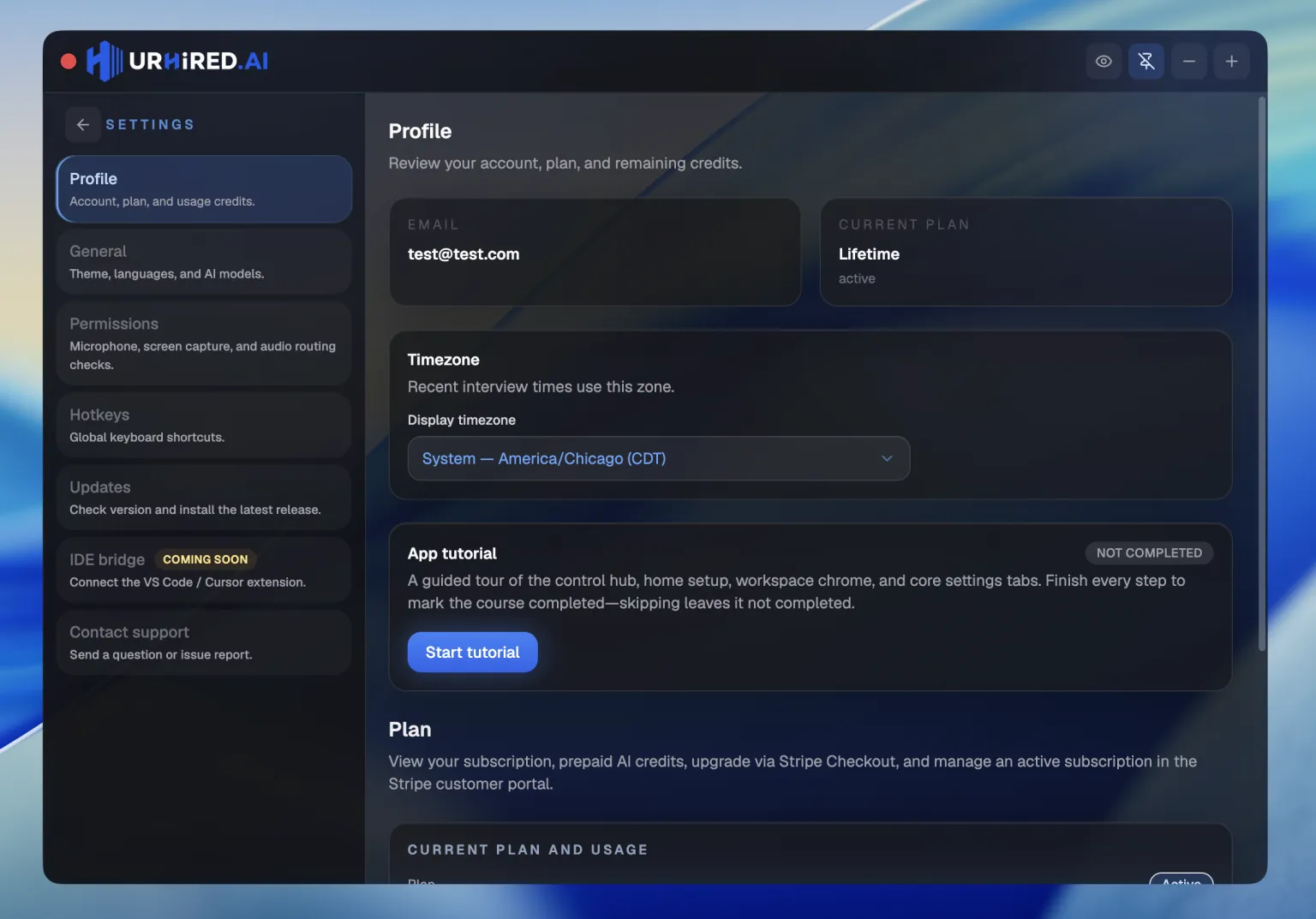
Profile
- Account — signed-in email, current plan, and usage credits when your plan uses them.
- Timezone — display zone for recent interview times.
- App walkthrough — full-screen product tour; starts once after first sign-in, replay anytime.
- Plan — tier, Free daily session time or prepaid credits, upgrade, billing portal, referral link. Mock interviews unlock on Pro and higher.
- Signed-in devices — list sessions and revoke other devices.
- Delete account — permanent account deletion.
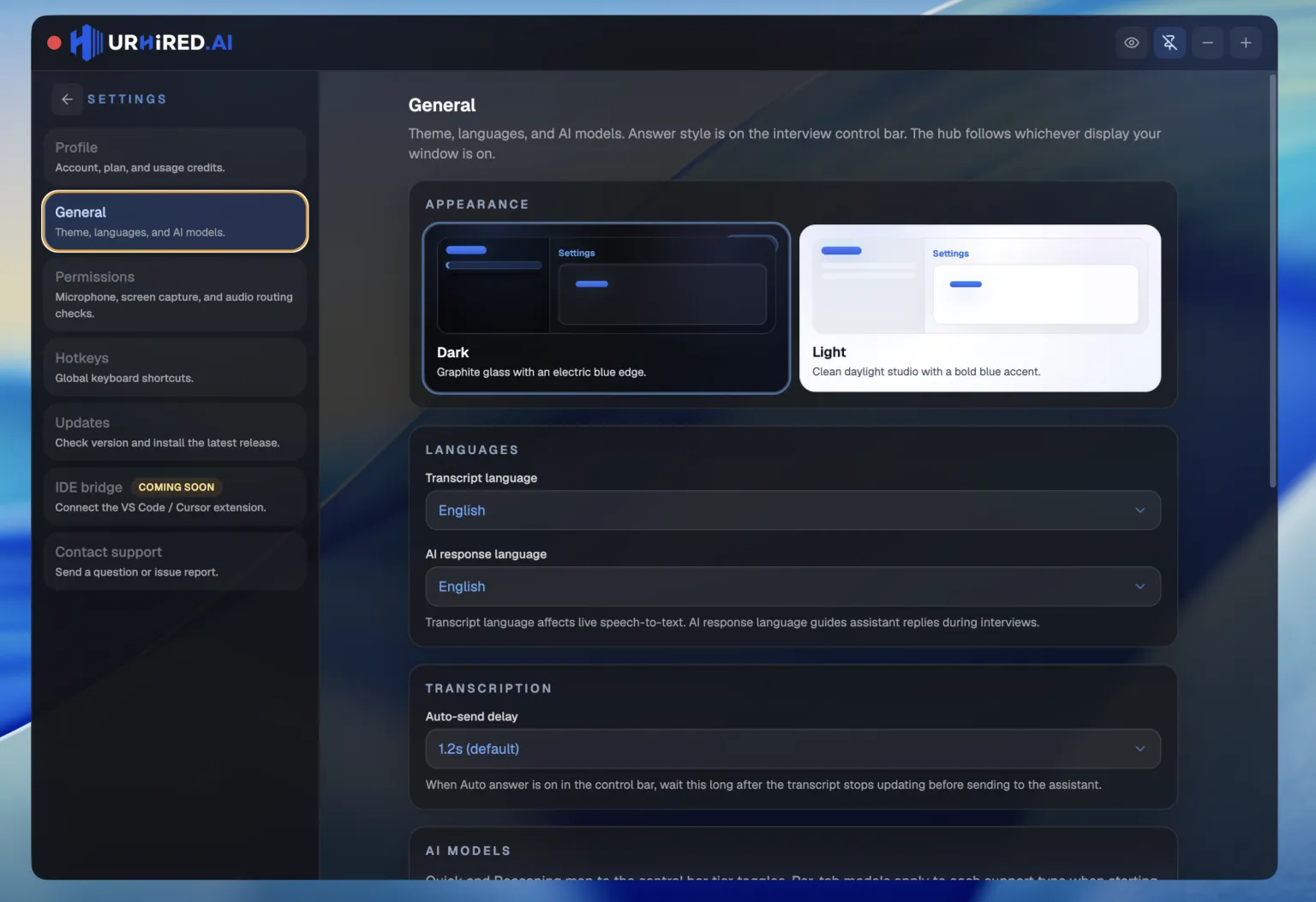
General
- Appearance — desktop theme (dark or light).
- Languages — transcript language for live speech-to-text, and AI response language for assistant replies.
- Transcription — auto-send delay after the transcript stops updating when Auto answer is on in the control bar.
- Interview control bar — show or hide individual live-bar items (Exit always stays). Hidden items stay out of the overflow menu too.
- AI models — a model per support type, applied when an interview starts. This is the only place models are chosen. Answer style is on the interview control bar, not here. See Choosing models.
Permissions
Runs diagnostics for microphone, screen capture, and audio routing, and links straight to the system privacy pane that needs changing. This is the first place to look when capture or transcription is not working. See Permissions for the full walkthrough.
Hotkeys
Every global shortcut on one list. Click Set, press a new chord, then save. Move window is one family (J / K / L / I with Ctrl or Cmd + Alt). See Keyboard shortcuts for the defaults.
Updates
Shows the installed version, checks the public releases channel on packaged builds, and lets you download then restart to install. Check on startup quietly looks for updates about a minute after launch; it never installs behind your back. If a download is in progress, quitting warns you first. More →
Contact support
Signed-in form for subject, message, optional category, and up to four extra files. The app attaches a diagnostic log automatically when you send — faster than describing the problem from memory.
Roles, prompts, and interview history
Those are not Settings tabs. Create and edit roles and custom prompts from the interview setup form. Recent setups and interview history live on the home sidebar. See Custom prompts and Interview setup.