
Permissions
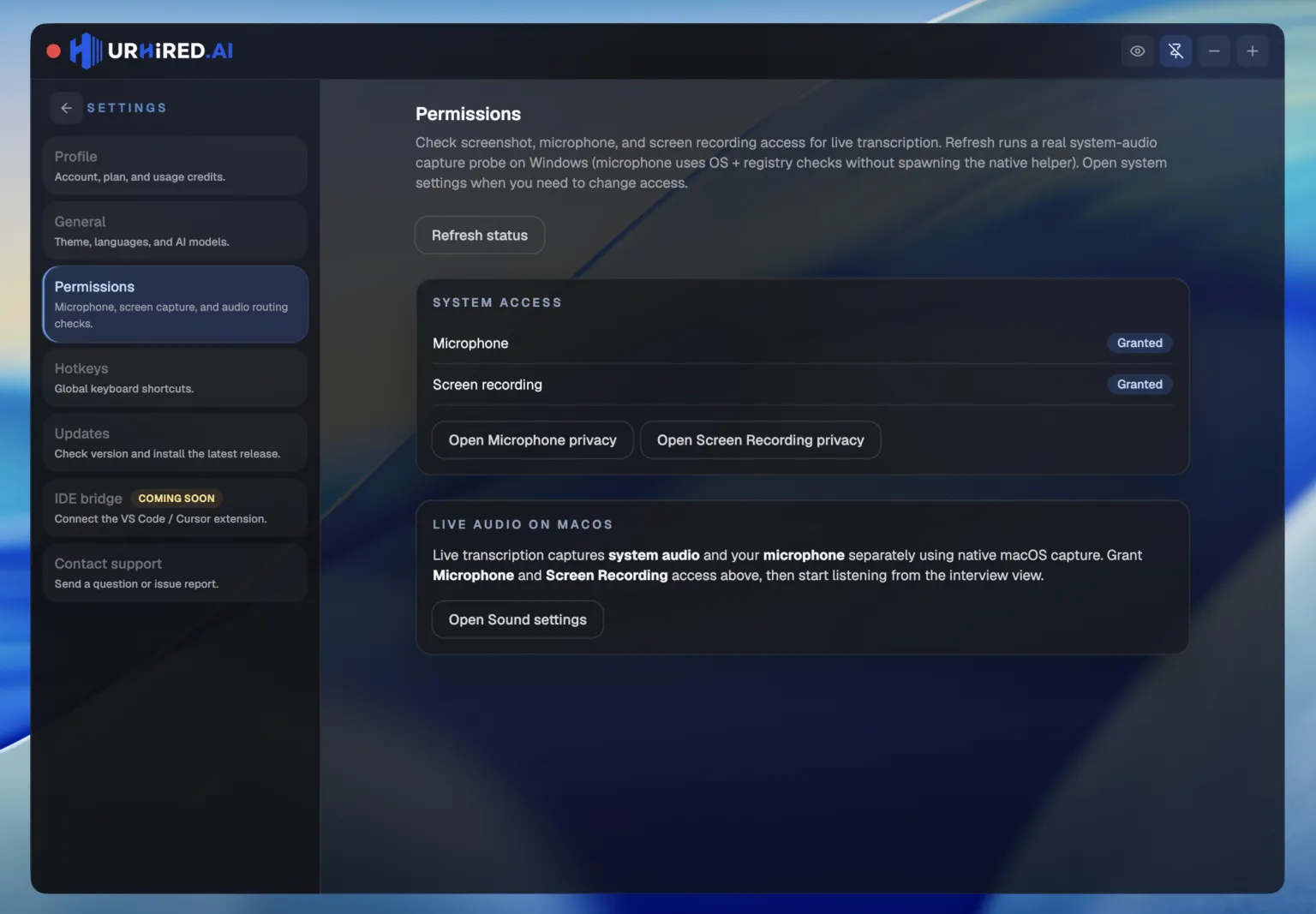
Two system permissions carry everything: Microphone for your side of the audio, Screen Recording for captures and the interviewer's side. Grant them once, verify them before a round.
What each permission unlocks
| Permission | What stops working without it |
|---|---|
| Microphone | Live transcription of your own side of the conversation. |
| Screen recording | Region snips and copy-text — and on macOS also system audio capture, so the interviewer's side of transcription. |
On macOS
macOS prompts the first time each permission is needed, or you can set both ahead of time in System Settings → Privacy & Security. System audio is captured through ScreenCaptureKit, so Screen Recording covers the interviewer's voice — there is no separate system-audio permission to hunt for.
On Windows
Accept the microphone and desktop-capture prompts when they appear. System audio is captured through native output loopback, so there is no extra permission beyond those two.
Verifying in the app
Open Settings → Permissions. Each permission shows its current status, and Refresh status re-runs the diagnostics — on Windows that includes a real system-audio capture probe, not just a settings lookup. When something is missing, the buttons underneath open the exact system privacy pane that needs changing, so you are never digging through OS settings mid-crisis.